Office 2024 vs Office 2021: which should you buy?
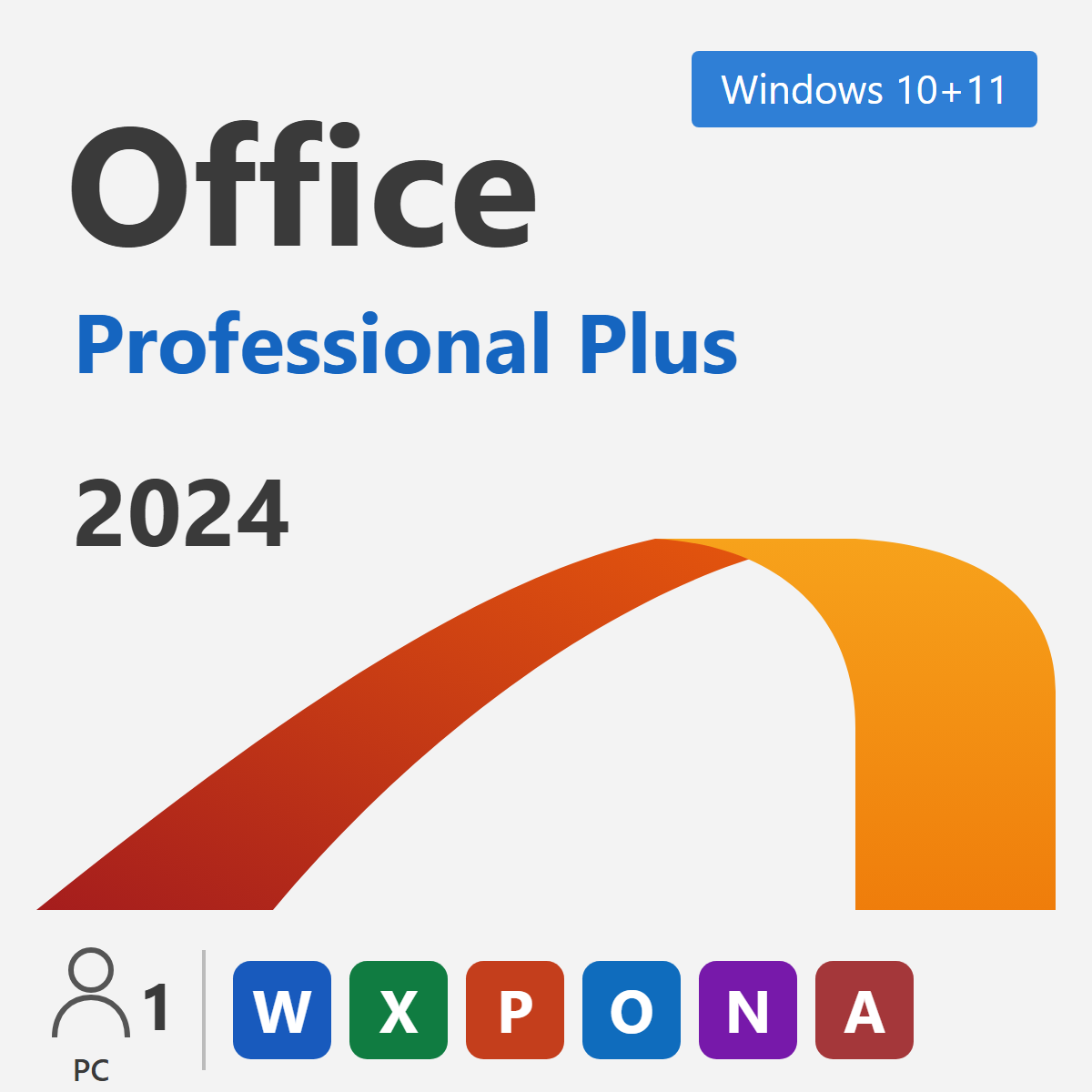
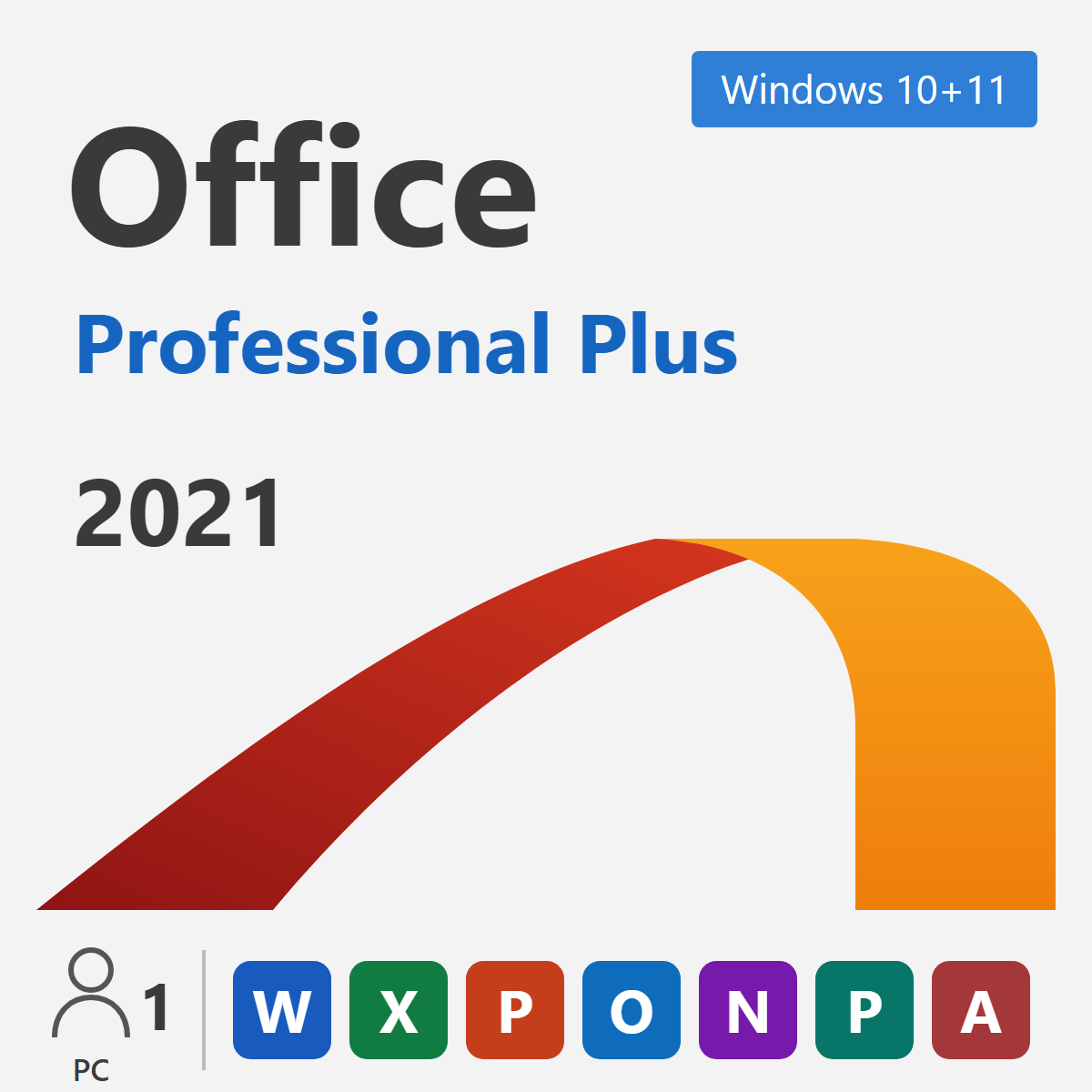
Buy Office 2024. It is the newest one-time-purchase Office and is supported by Microsoft until October 9, 2029, while Office 2021 support ended on October 13, 2026. Choose Office 2021 only if you need Publisher, which Office 2024 does not include.
Side-by-side comparison
| Office 2024 Professional Plus | Office 2021 Professional Plus | |
|---|---|---|
| Released | October 2024 | October 2021 |
| Microsoft support ends | October 9, 2029 | Ended October 13, 2026 |
| Security updates today | Yes | No |
| Apps | Word, Excel, PowerPoint, Outlook, OneNote, Access | Word, Excel, PowerPoint, Outlook, OneNote, Access, Publisher |
| Payment | One-time | One-time |
| Works on | Windows 11, Windows 10 | Windows 11, Windows 10 |
What's new in Office 2024
- A refreshed look that matches Windows 11, with improved accessibility tools.
- New Excel functions such as
IMAGE,TEXTSPLIT,VSTACKandHSTACK. - Faster performance when opening and working with large files.
- Five years of security updates, until October 9, 2029.
When Office 2021 still makes sense
Office 2021 keeps working after its end of support, so it can still suit an offline PC or a team that must match an existing version. It is also the newer of the two that includes Publisher. For everyone else, the small price difference makes Office 2024 the better value, because it keeps receiving security fixes.
Frequently asked questions
Is Office 2024 a subscription?
No. Office 2024 Professional Plus is a one-time purchase. You pay once and can use it for as long as you like on one PC.
Can I open Office 2021 files in Office 2024?
Yes. Both versions use the same file formats (.docx, .xlsx, .pptx), so files open normally in either version.
Does Office 2024 include Teams?
No. Teams is a separate free download from Microsoft.